Crusado USDT Withdrawal: Picking the Right Network
Withdrawing your winnings using USDT (Tether) offers a blend of speed and security that traditional methods often lack. However, the process hinges on one critical decision: selecting the correct blockchain network. This guide provides a practical, step-by-step walkthrough for Crusado casino players, ensuring your USDT withdrawals are processed smoothly and efficiently by helping you choose the right network every time.
Understanding USDT and Network Selection
USDT, or Tether, is a stablecoin pegged to the US dollar. Unlike a direct bank transfer, USDT transactions occur on a blockchain. The network you choose (e.g., ERC20, TRC20, BEP20) is the specific highway this transaction travels on. Choosing the wrong network is like sending a truck down a bicycle lane; your funds will likely be lost permanently. At Crusado casino, you are typically given a choice of networks when initiating a withdrawal, making your selection the most important step.

Step-by-Step Withdrawal Process at Crusado
Follow these exact steps to securely withdraw your USDT from your Crusado account.
- Log in and Navigate to Cashier: Access your Crusado casino account and click on the ‘Banking’ or ‘Cashier’ section.
- Select ‘Withdraw’: Choose the withdrawal option and select USDT (Tether) as your preferred payment method.
- Enter Amount: Input the amount you wish to withdraw, ensuring it meets the minimum withdrawal limit.
- Choose Your Network: This is the crucial step. A dropdown menu will appear asking you to select a network (e.g., TRC20, ERC20). Your choice here must match the network your external wallet supports.
- Provide Wallet Address: Carefully copy and paste your external wallet’s public address into the required field. Double-check this address for accuracy.
- Confirm and Submit: Review all details, particularly the network and address, then confirm the transaction. You may need to verify the withdrawal via email.
Comparing USDT Networks: Fees and Speed
Different networks have different characteristics, primarily affecting transaction fees (gas fees) and processing speed. The Crusado casino processing time is usually 0-24 hours, but the blockchain confirmation time depends on your chosen network. Here’s a breakdown of common options:
| Network | Average Fee | Speed | Best For |
|---|---|---|---|
| TRC20 (Tron) | $1 or less | Very Fast | Low-cost, frequent withdrawals |
| BEP20 (Binance Smart Chain) | $0.05 – $0.50 | Fast | Balancing cost and efficiency |
| ERC20 (Ethereum) | $5 – $25 (can vary) | Slower (during congestion) | Compatibility with Ethereum wallets |
Essential Security and KYC Checks
Before any withdrawal is processed, Crusado will perform standard security checks. This almost always includes a Know Your Customer (KYC) verification. You must provide clear, valid copies of the following documents to avoid delays:
- A government-issued photo ID (Passport, Driver’s License)
- A recent utility bill or bank statement (less than 3 months old) as proof of address
- Sometimes, a copy of the payment method used for deposit (front of card, with middle digits hidden)
Once verified, your future withdrawals will be much faster. Remember, using a Crusado promo code on a deposit may subject those funds and any winnings to wagering requirements, which must be met before withdrawal.
Troubleshooting Common Withdrawal Issues
Even with the right network, issues can arise. Here are common problems and their solutions:
- Transaction “Pending” for Too Long: This is usually on the casino’s side. Contact Crusado support for an update.
- Funds Not in External Wallet: First, check the transaction status on a blockchain explorer using the TxID provided by Crusado. If confirmed, ensure your wallet supports the specific network you selected.
- Withdrawal Rejected: This is typically due to unmet wagering requirements from a Crusado bonus or failed KYC. Check your bonus terms and verify your account status.
For any persistent problems, the best course of action is to contact the support team at Crusado directly through their live chat or email service.
Maximizing Your Withdrawal Experience
To ensure a seamless experience, always double-check the network compatibility with your external wallet before withdrawing. Consider using the TRC20 network for its low fees if your wallet supports it. Furthermore, keep your account in good standing by understanding the terms of any Crusado no deposit offer or Crusado free spins you claim, as these will have playthrough conditions. By being meticulous with network selection and maintaining a verified account, you can enjoy the full benefits of fast and secure crypto withdrawals.

Sale Items
-
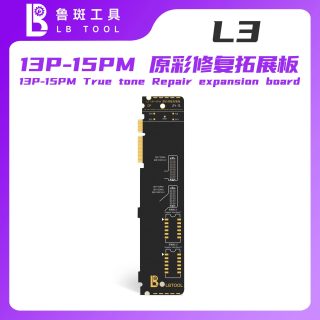 LB L3 13P-15PM True tone repair expansion board
Original price was: ₨ 4,200.00.₨ 4,100.00Current price is: ₨ 4,100.00.
-
 2UUL PCB Holder THe ONe JIG for mobile repair
Original price was: ₨ 2,800.00.₨ 2,600.00Current price is: ₨ 2,600.00.
-
 YCS 150℃ solder paste
Original price was: ₨ 600.00.₨ 500.00Current price is: ₨ 500.00.
-
 RELIFE RL-035A PP structural adhesive 30CC transparent/black 30CC
Original price was: ₨ 800.00.₨ 750.00Current price is: ₨ 750.00.
-
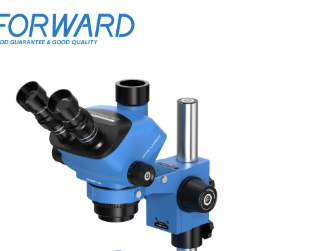 SOPTOP × FORWARD FW-S60Promax-TS Synchronous Zoom Trinocular Stereo Microscope
Original price was: ₨ 41,500.00.₨ 40,000.00Current price is: ₨ 40,000.00.
-
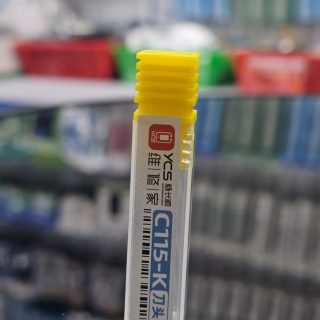 YCS C115-K Professional Soldering Cartridge
₨ 900.00
-
 LB Camera FPC Cable 13P/PM X1
₨ 450.00
-
 YCS Maintenance Specialist Quad-Function Tester IP17, Air, Pro, PM Mid-Layer Test Stand Finished Product
₨ 34,500.00
-
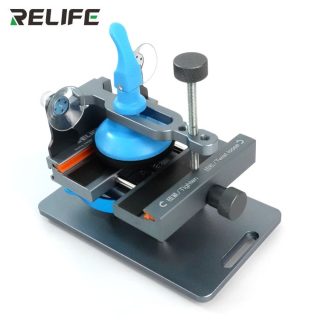 Multifunctional dismantling screen rotating fixture+External suction cup RL-601S Plus
₨ 5,000.00
-
 1 to 8 mechanic android boot cable power pro for new and old android mobile
₨ 1,900.00
Products
-
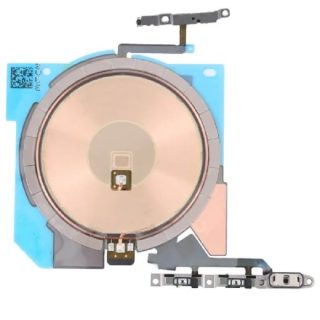 IP 14PM NFC Flex
₨ 1,500.00
-
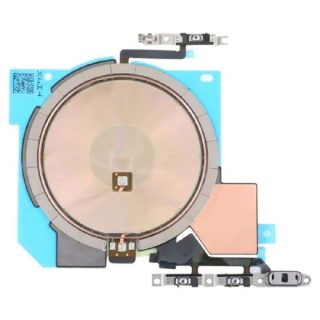 IP 14 PRO NFC Flex
₨ 1,500.00
-
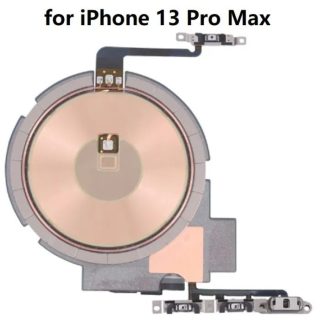 IP 13 PM NFC Flex
₨ 1,400.00
-
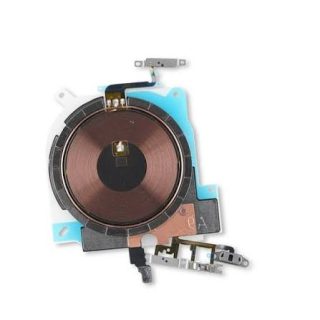 IP 13 PRO NFC Flex
₨ 1,400.00